HRIS Portal
HRIS Portal

Election Worker Management

You Received an Email

1

Check your inbox for the onboarding email from our team

Be sure to check your Spam or Junk folder if you don't see it.
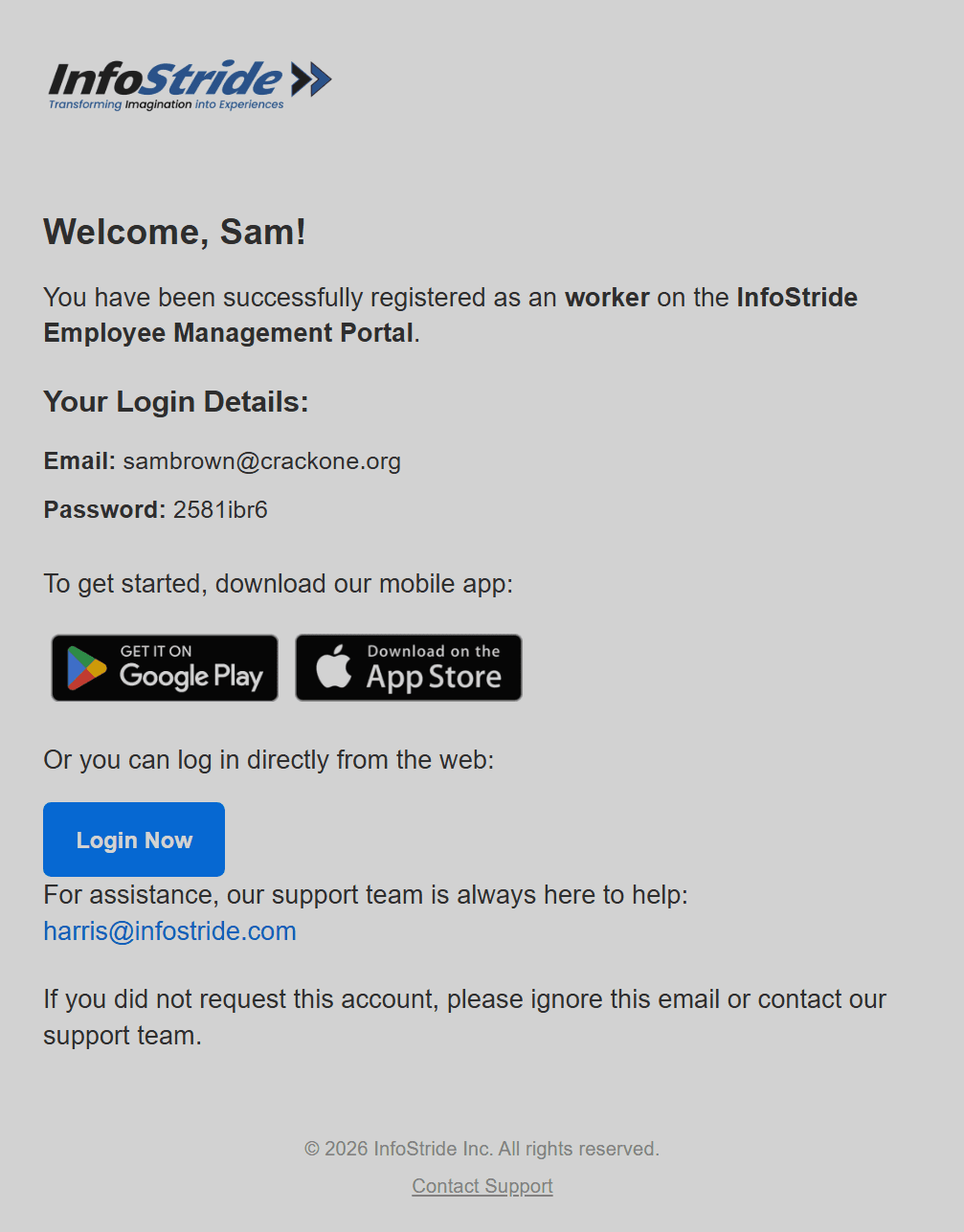
Step 1 screenshot
2

This email includes:

1. A link to download our Android app from the Play Store 2. A link to download our iOS app from the App Store 3. A link to complete onboarding through your browser 4. A brochure with brief onboarding instructions 5. Our team's email address (harris@infostride.com) No matter which option you choose, you will see the exact screen shown in the instructions.
3

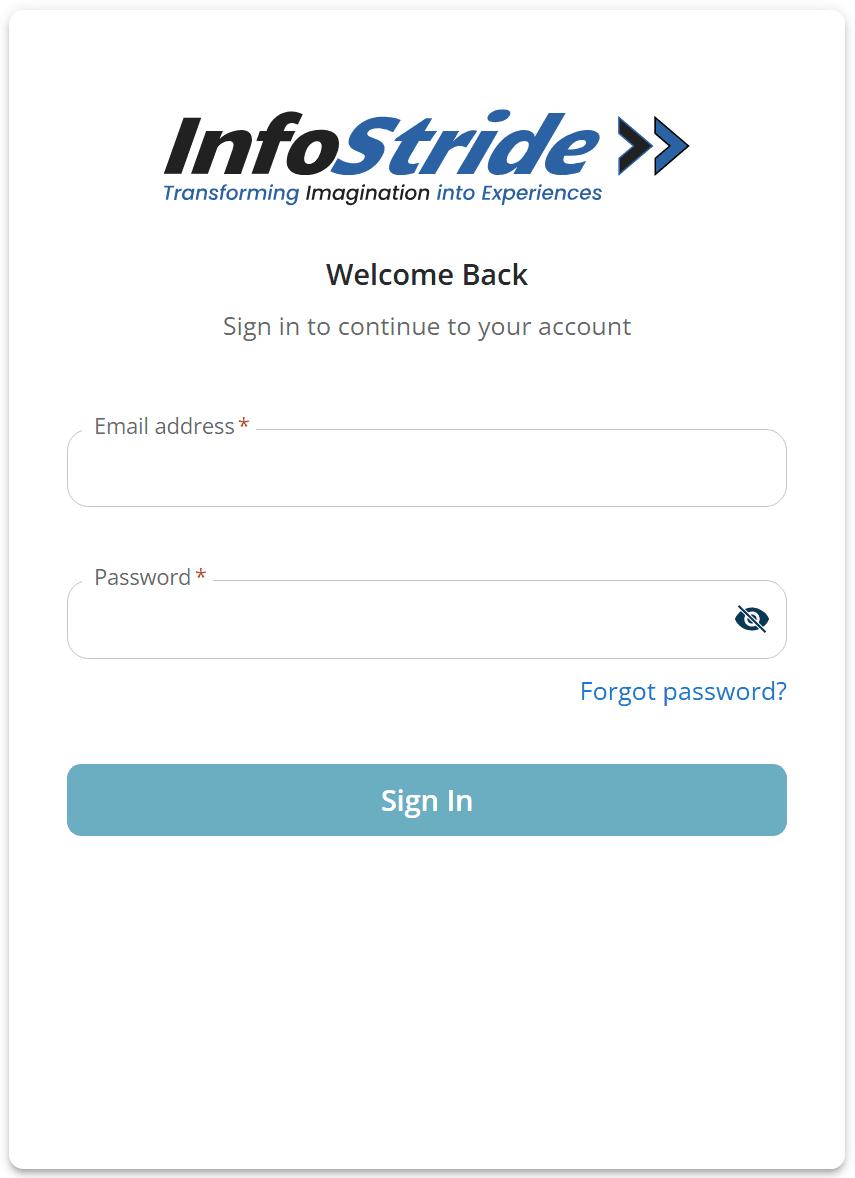
For these instructions, I am using the web version. Click the "Login Now" button near the bottom of the page—it will open in your browser.

Step 3 screenshot
4

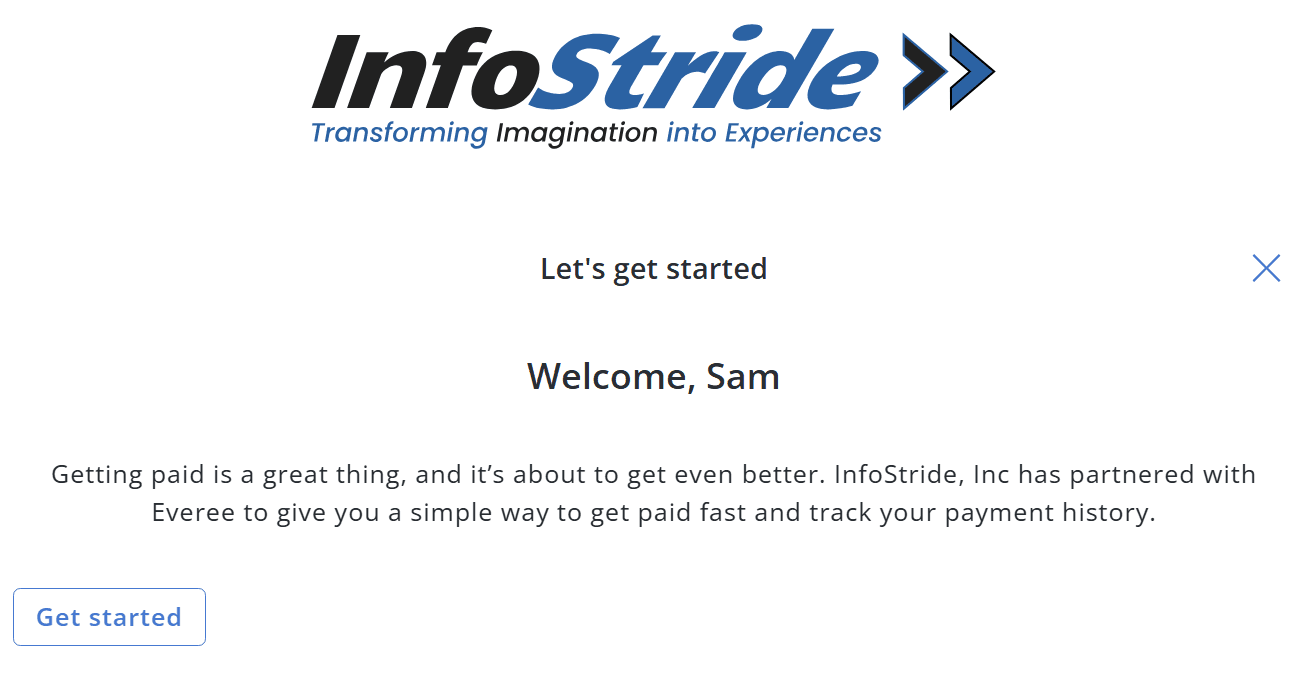
On the login page, enter the email and password shared with you in the email. You'll see a welcome page.

Step 4 screenshot