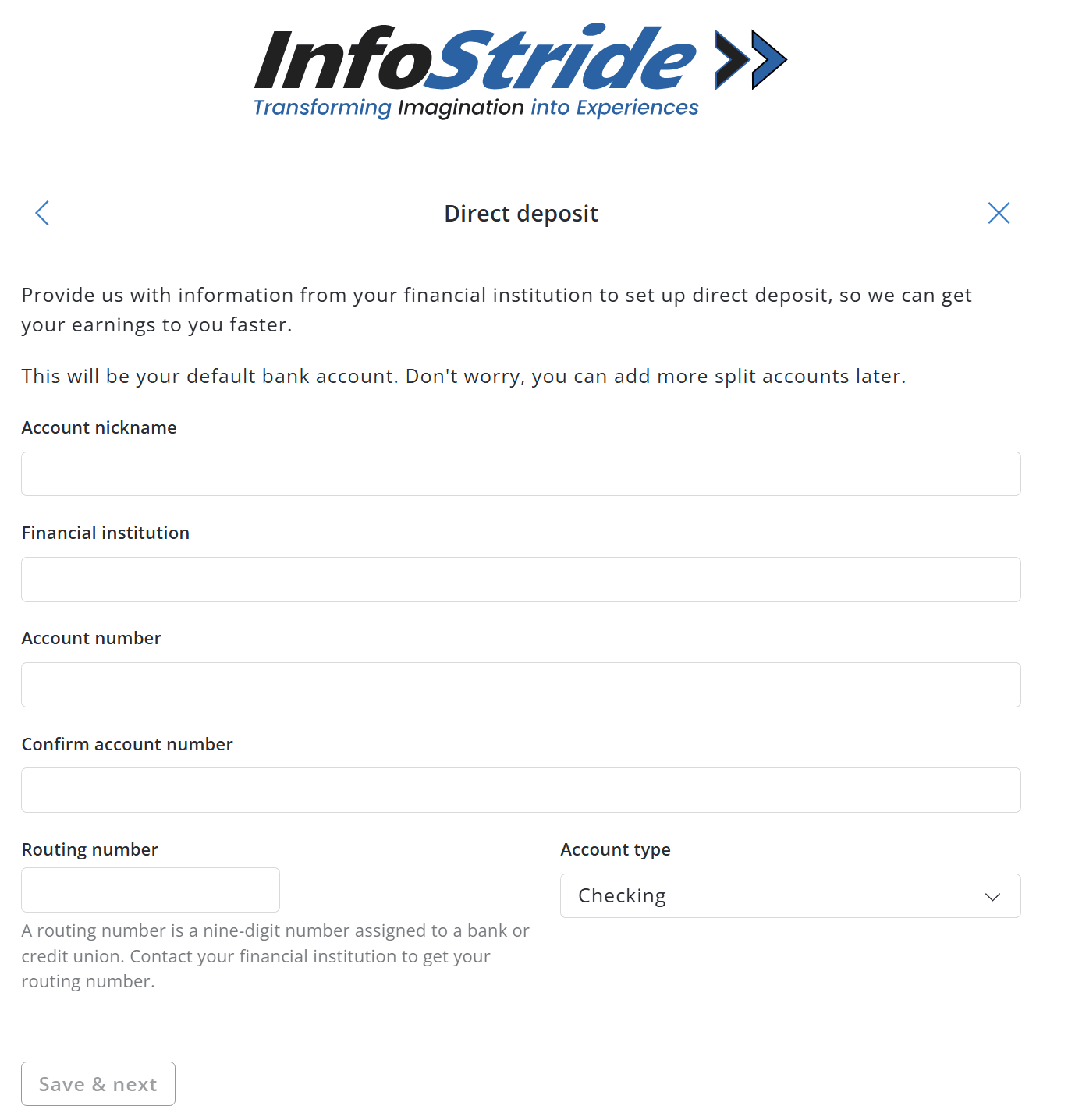
- Account Nickname: Choose a name to identify this account (e.g., "Primary Checking"). - Financial Institution: Enter your bank or credit union name. - Account Number: Enter your bank account number. - Confirm Account Number: Re-enter your account number to avoid errors. - Routing Number: Enter your bank's 9-digit routing number. - Account Type: Select Checking or Savings. You can find your routing and account numbers on a check or by calling your bank.
Once complete, click "Save & Next". Your salary will be deposited automatically to this account. You can add additional accounts or split deposits between multiple accounts later through the portal.
